



August 15, 2024
How to Employ Design Sprint for Mobile UI
THIN MARTIAN
ux, ui and digital design
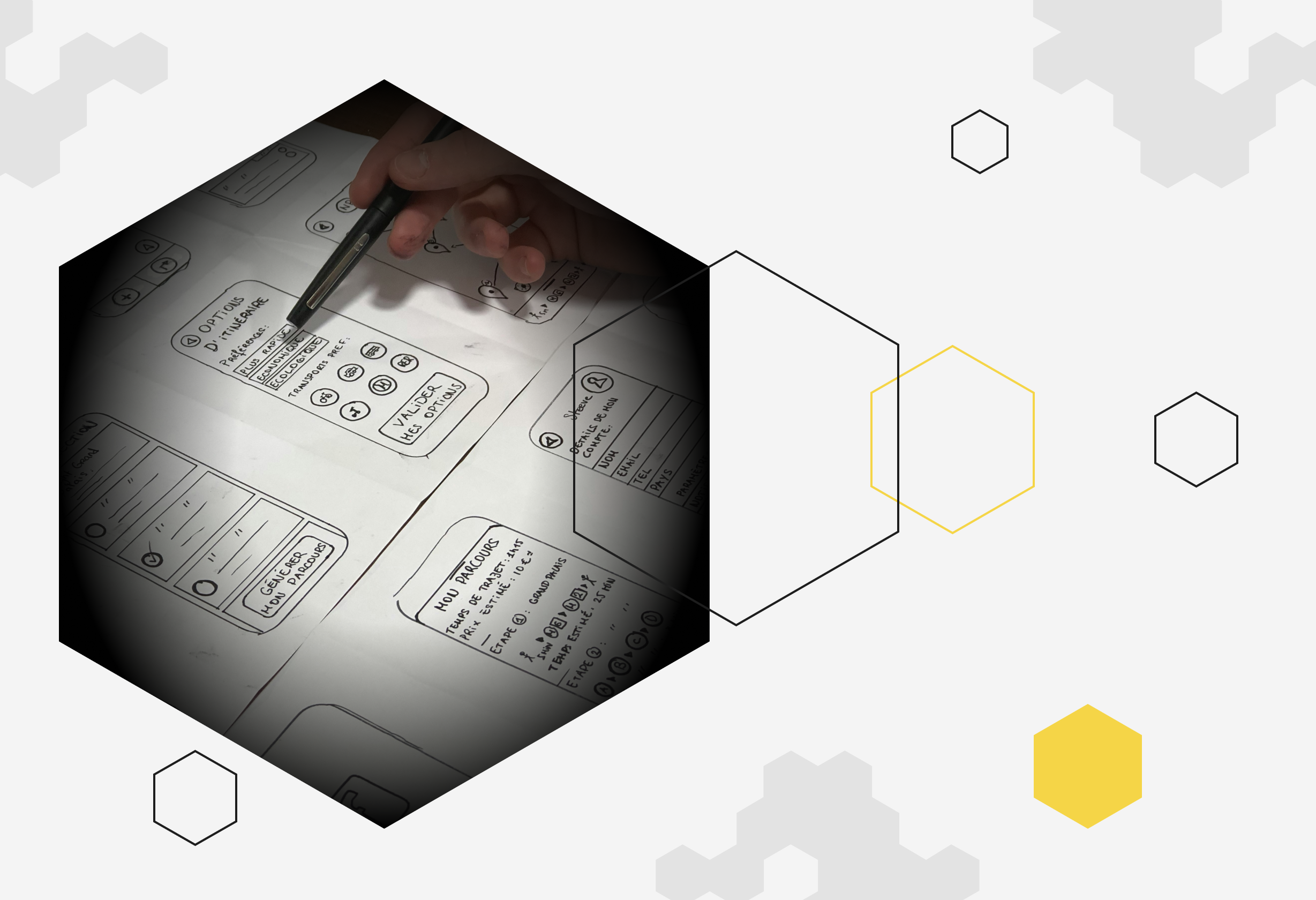
With mobile devices being the primary digital touchpoint for many users today, the importance of mobile user interface (UI) design has never been more critical. Design Sprint, a unique and efficient process developed at Google, can be instrumental in creating a superior mobile UI. This article will guide you through the process of a Design Sprint, its application to mobile UI, reasons for your team to consider using it, and a step-by-step approach to employing Design Sprint for mobile UI design.
Understanding the Application of Design Sprint to Mobile UI
Design Sprint, initially intended for a broad range of design problems, can be incredibly effective for mobile UI design. The mobile user interface is an ideal field for Design Sprint due to the necessity for simplicity, ease of use, and excellent user experience.
The process starts with defining the UI problem during the Understand phase. In the Diverge phase, designers brainstorm various potential mobile UI designs.
The Converge phase helps in deciding the most user-friendly UI design to prototype. The Prototype phase enables designers to create a highly interactive mock-up, which is then tested with real users in the Test phase. This ensures the design is refined, based on user feedback before developers start building the mobile interface.
Process of a Design Sprint
A Design Sprint is a structured, five-day process that helps design teams answer crucial business questions through rapid prototyping and user testing of ideas. The process includes five phases:
Prepare for the Sprint
Schedule the sprint and gather all necessary resources, including a workspace, whiteboards, sticky notes, markers, and any relevant user data. Remember that the more prepared your base or starting point is, the more effective your team will be when the sprint starts.
Day 1 Understand & Set a Clear Goal
Define the business goals, identify the target audience, and understand the problem to be solved. In the case of mobile UI creation, this can be understanding how to best structure your UI for the mobile experience considering the limited screen real-estate available and how to adjust the design of the UI accordingly.
Day 2 Diverge
Encourage all team members to suggest as many solutions as possible to solve the identified problem. Gather the best design ideas for the mobile UI and decide which features are best for your use case.
Day 3 Converge
Review the suggested solutions, vote for the most promising ones, and decide on which solution to prototype. At this stage, a clear idea for your mobile UI should be picked.
Day 4 Prototype
Create a high-fidelity prototype that looks and feels like the final product to begin the next stage.
Day 5 Test
Validate the UI prototype by testing it with real users and collecting feedback for refinement.
Importantly this should be done with users who know nothing or very little about the design process so we can accurately gauge how real users would interact with the UI.
Why Your Team Should Consider Using It?
Design Sprint offers several significant benefits:
- Risk Reduction: Testing a prototype before building the actual product saves time and resources, preventing potential failure after launch.
- Enhanced Collaboration: It brings together cross-functional teams (designers, developers, marketers, and stakeholders) fostering collaboration and collective decision-making.
- Increased Efficiency: It fast-tracks the design and decision-making process, providing quick insights into user preferences and behaviours.
- Promotion of Innovation: By encouraging the generation of numerous ideas, it creates a conducive environment for innovation.
Ending notes
By incorporating Design Sprint into the mobile UI design process, teams can effectively optimise user experience, encourage collaboration, accelerate the design process, and promote innovation. When implemented correctly, the Design Sprint can be an invaluable tool for creating a user-centric and successful mobile interface.